
Tips for Creating a Cozy and Productive Home Office Space
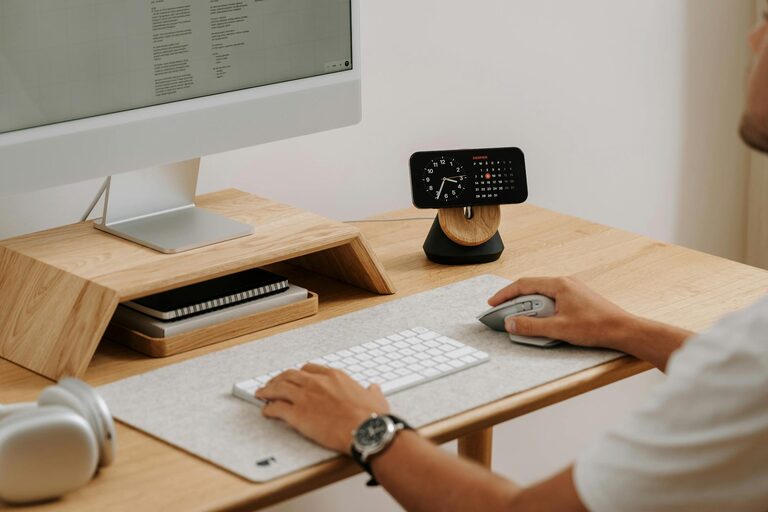
Creating a home office that is both cozy and productive can significantly improve your work-from-home experience. A well-designed workspace helps you focus better, reduces stress, and makes your workday more enjoyable. Whether you have a dedicated room or just a small corner, there are many ways to set up a space that meets your needs. Here are some helpful tips to guide you in creating the perfect home office.
Choose the Right Location
Find a Quiet Spot
Pick a location in your home where you can work without frequent interruptions or distracting noises. If possible, select a room with a door so you can close it to establish boundaries.
Consider Natural Light
Natural light improves mood and helps reduce eye strain. Try to position your desk near a window to take advantage of daylight. If that’s not possible, make sure your space has good artificial lighting with adjustable brightness.
Invest in Comfortable Furniture
Ergonomic Chair
Since you’ll be sitting for long hours, an ergonomic chair with good lumbar support is essential to prevent back pain and maintain good posture.
Functional Desk
Choose a desk that is large enough to hold your computer, organizing tools, and any other items you use daily. Adjustable desks that allow sitting and standing positions can add flexibility.
Personalize Your Space
Add Cozy Elements
Incorporate soft textures like cushions, rugs, or throws to create a warm atmosphere. Plants can also bring a touch of nature and help purify the air.
Use Colors that Inspire
Choose paint or decor colors that motivate you. Soft blues, greens, or neutrals tend to be calming, while brighter accents can boost creativity.
Organize Smartly
Declutter Regularly
Keep your workspace tidy by removing unnecessary items. A clutter-free desk helps reduce distractions and enhances concentration.
Use Storage Solutions
Shelves, filing cabinets, and desk organizers can help keep documents and supplies in order. Labeling boxes and folders makes retrieving items easier.
Optimize Lighting
Layer Lights
In addition to natural light, use a mix of overhead lighting, desk lamps, or floor lamps. Adjustable lighting options help reduce glare on screens and create a comfortable environment.
Choose the Right Bulbs
Opt for bulbs that mimic daylight or emit soft white light to reduce eye strain and maintain alertness throughout the day.
Minimize Distractions
Set Boundaries with Others
Communicate your work hours to family members or roommates to minimize interruptions. Use a “do not disturb” sign if necessary.
Manage Digital Distractions
Use apps or settings to block distracting websites or limit notifications during focused work periods.
Add Functional Technology
Reliable Equipment
Ensure you have a computer, printer, and high-speed internet connection that support your work requirements without frequent glitches.
Cable Management
Use clips, sleeves, or trays to keep wires organized. A tidy setup boosts both safety and aesthetics.
Create a Routine
Define Your Work Hours
Set clear start and end times to separate work from leisure. Consistency helps improve focus during work hours.
Take Breaks
Incorporate short breaks to stretch, hydrate, or step outside. This refreshes your mind and body, boosting productivity.
Incorporate Inspiring Elements
Display Motivational Quotes
Hang artwork or quotes that inspire you to stay motivated throughout the day.
Keep a Vision Board
Use a corkboard or wall space for your goals, ideas, or reminders to maintain positive focus.
—
Designing a cozy and productive home office is about balancing comfort with functionality. By choosing the right location, investing in ergonomic furniture, organizing your space thoughtfully, and adding personal touches, you can create an environment that nurtures both creativity and efficiency. Remember, small improvements can have a big impact on how enjoyable and productive your work-from-home days become.
Related Post
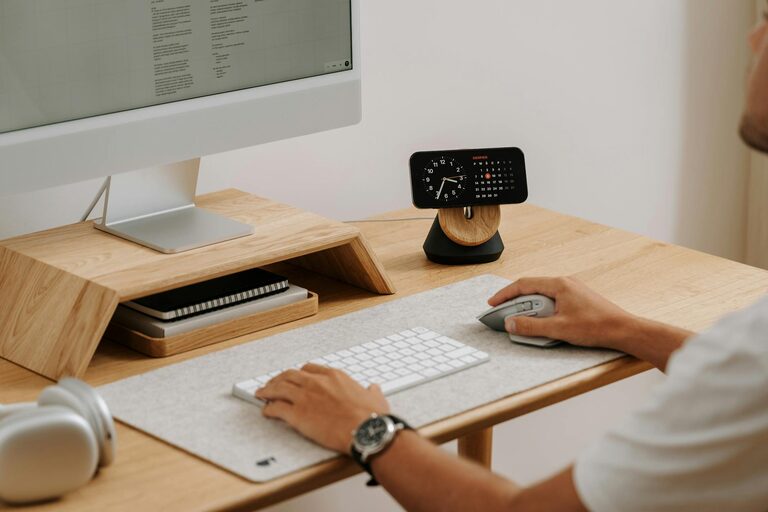
Tips for Creating a Cozy and Inviting Home Office Space
Discover practical tips to make your home office cozy and inviting, boosting comfort and productivity [...]
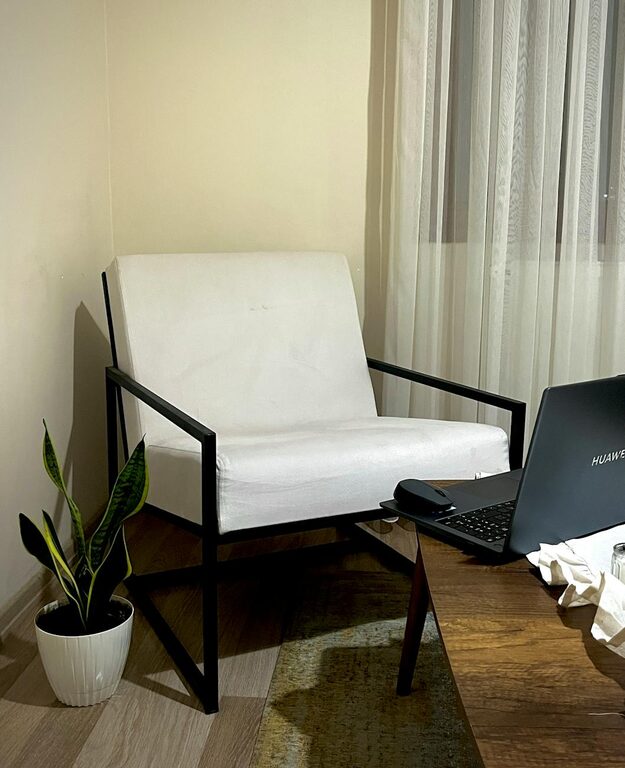
Simple Steps to Create a Cozy and Inviting Home Office Space
Discover easy ways to transform your home office into a cozy, inviting spot that boosts [...]

Tips for Creating a Cozy and Inviting Home Office Space
Discover simple ideas to transform your home office into a cozy, productive, and inviting space [...]